Which one fits your team
A Miro template is enough if
- You are sketching a tree once, in a workshop, with free-form drawing.
- Your team already does all its visual work in Miro.
- You don’t need to track assumptions, experiments or metrics in the tree.
Product Planner helps when
- The tree is something you update every week, not a one-off picture.
- You want outcomes with metrics, opportunities with evidence, and solutions you can compare with scores.
- You test assumptions with experiments and want the results next to the solution.
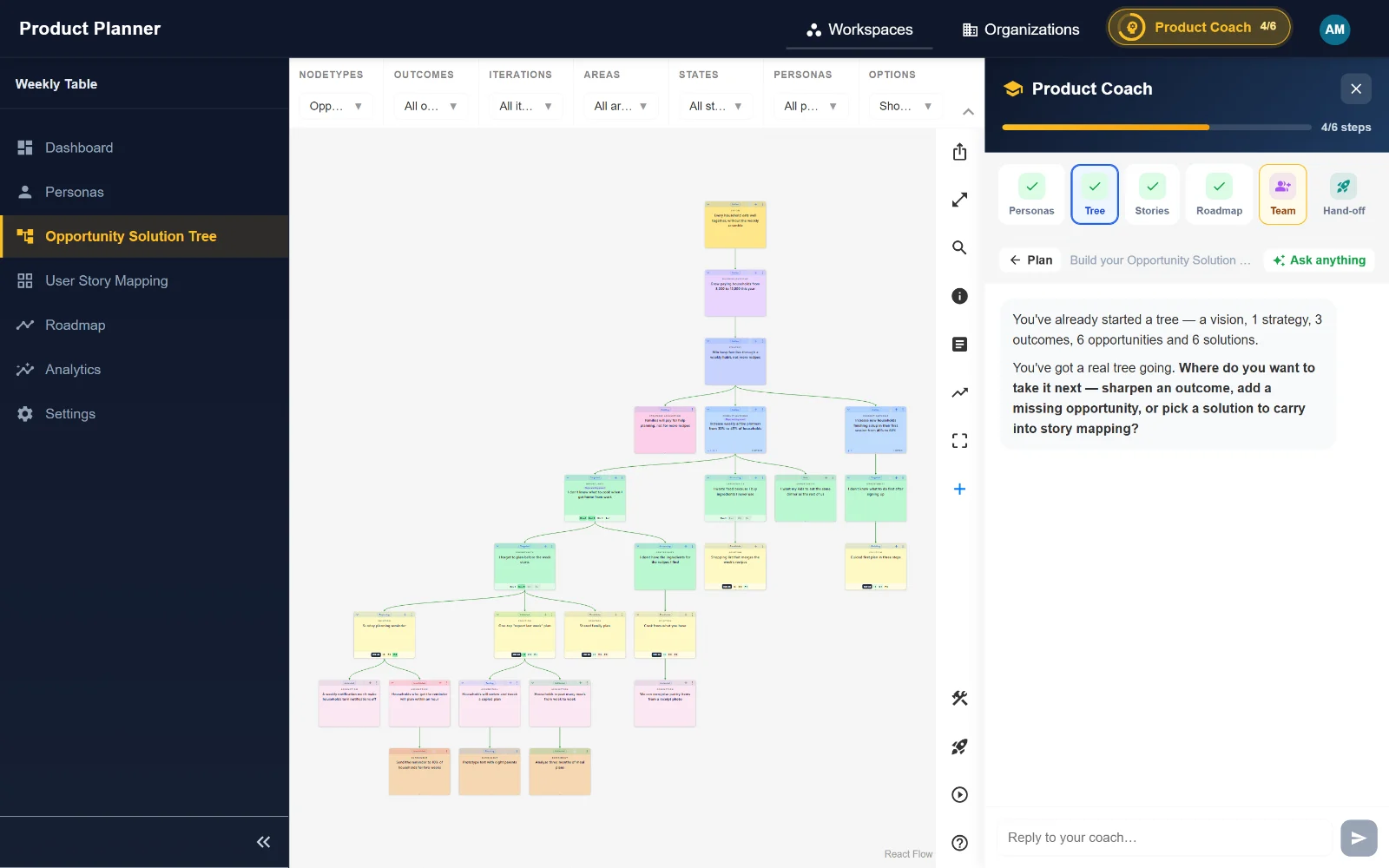
- You want to filter and focus on one branch, and get suggestions from an AI product coach.
- You want a solution to carry on into a user story map and a roadmap.
The Opportunity Solution Tree template
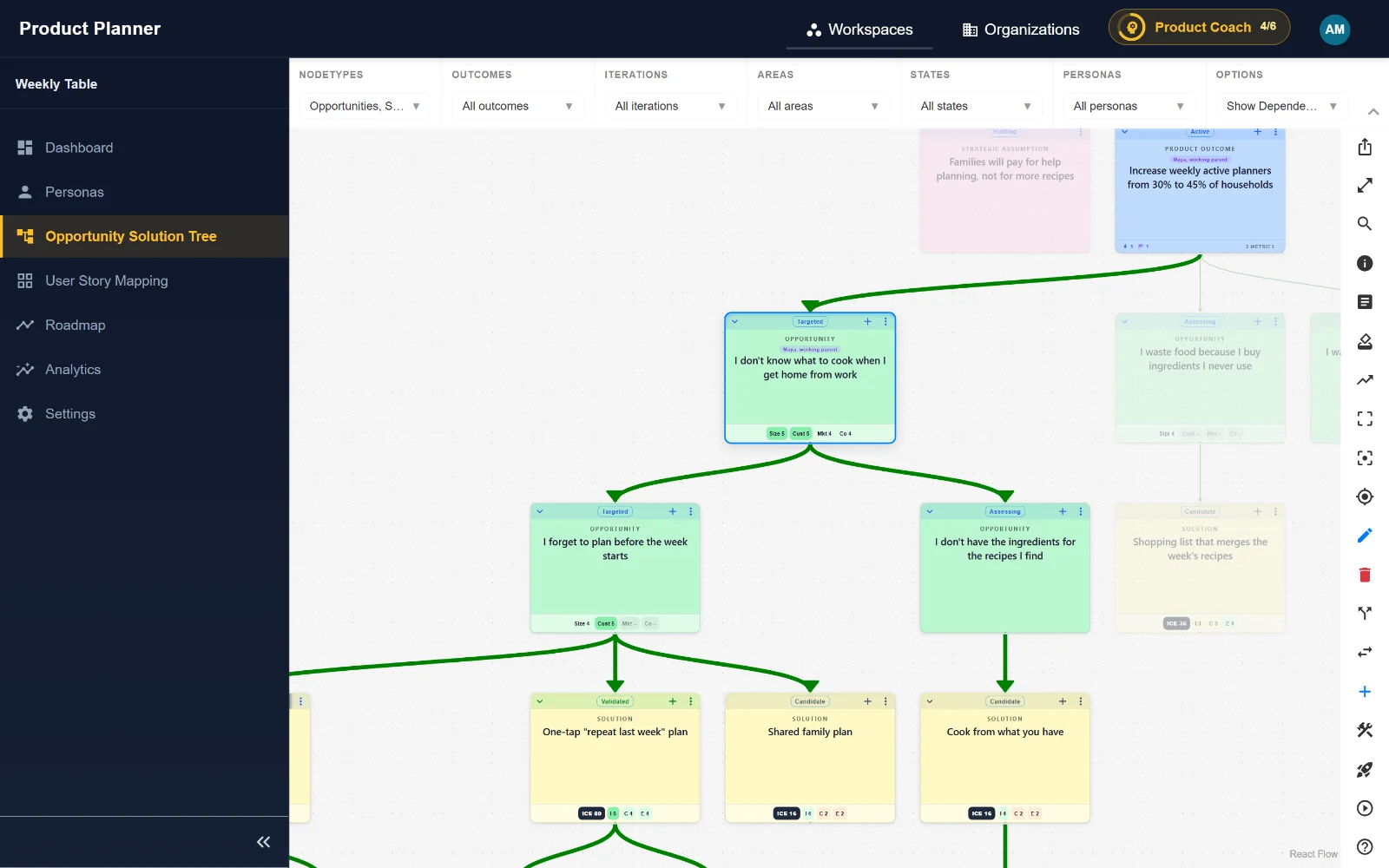
Whichever tool you use, a tree has the same four levels. Teresa Torres introduced the structure in Continuous Discovery Habits.
1. One outcome at the top
A measurable product outcome your team can influence, with the metric you will track. Not a feature, and not a business goal several steps away.
2. Opportunities under it
Customer needs, pain points and desires you have heard in interviews, phrased from the customer’s point of view. Break big ones into smaller child opportunities and pick a target.
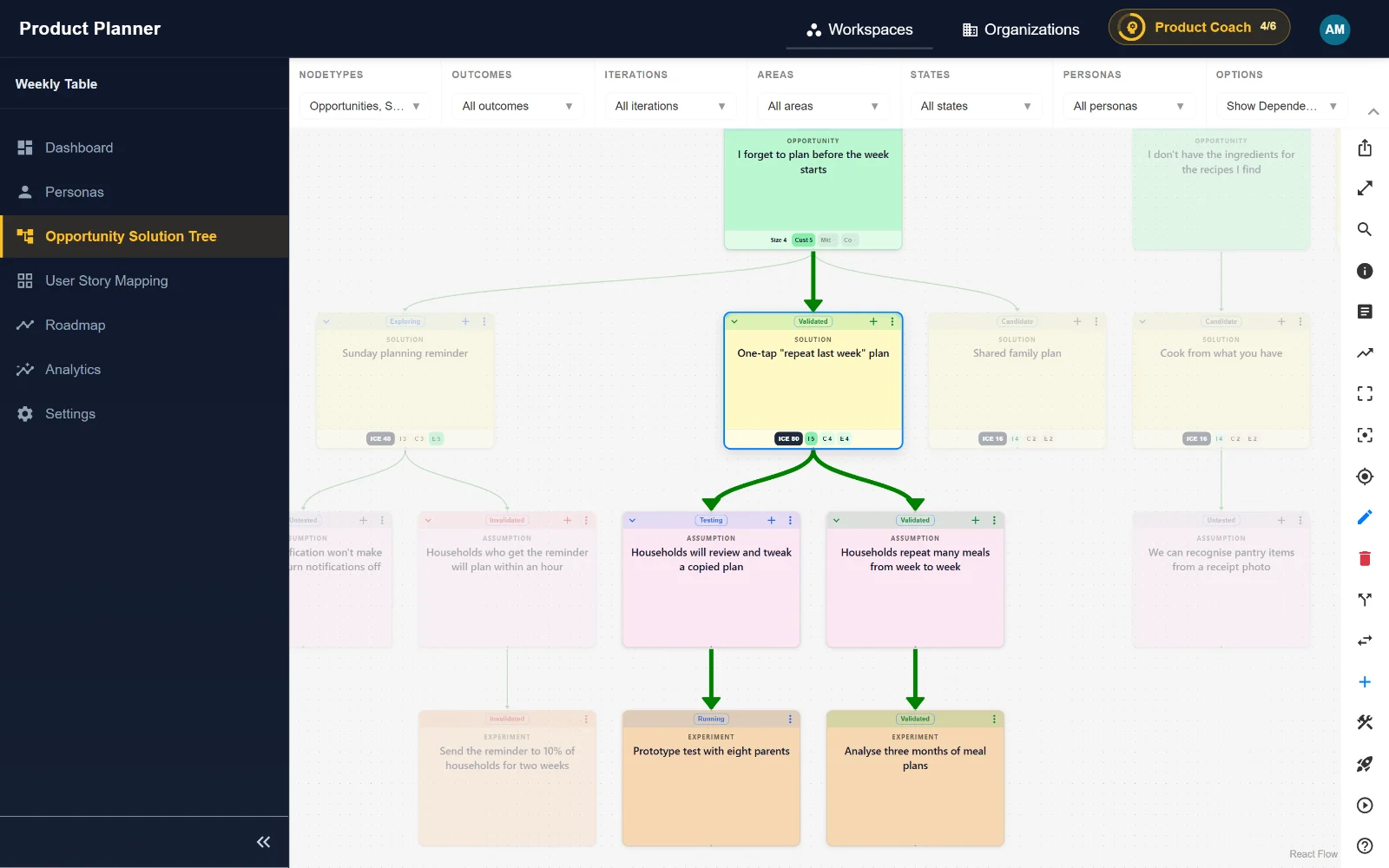
3. Several solutions per opportunity
At least three ideas for the target opportunity, so you compare options instead of falling for the first one.
4. Assumption tests under solutions
The riskiest assumptions behind each solution, and the small experiments that test them before you build.
Side by side
| Miro template | Product Planner | |
|---|---|---|
| What it is | An online whiteboard with OST templates | A purpose-built Opportunity Solution Tree |
| Structure | Sticky notes and connectors you arrange by hand | Outcomes, opportunities, solutions, assumptions and experiments |
| Metrics and scores | As text on notes | Leading and lagging metrics; opportunity and solution scores |
| Assumptions and experiments | As text on notes | Tracked with category, evidence, success criteria and results |
| Filters and focus | Not for tree data | Filter by outcome, persona, iteration, area and state |
| Next step after discovery | Copy into another tool | Open the solution in a user story map and a roadmap; native Azure DevOps sync |
| Free-form drawing | Yes | No: it is a structured tree |
Our understanding of Miro template as of October 2026, focused on product discovery. Tools change, so check their current offering too. See also the full comparison.
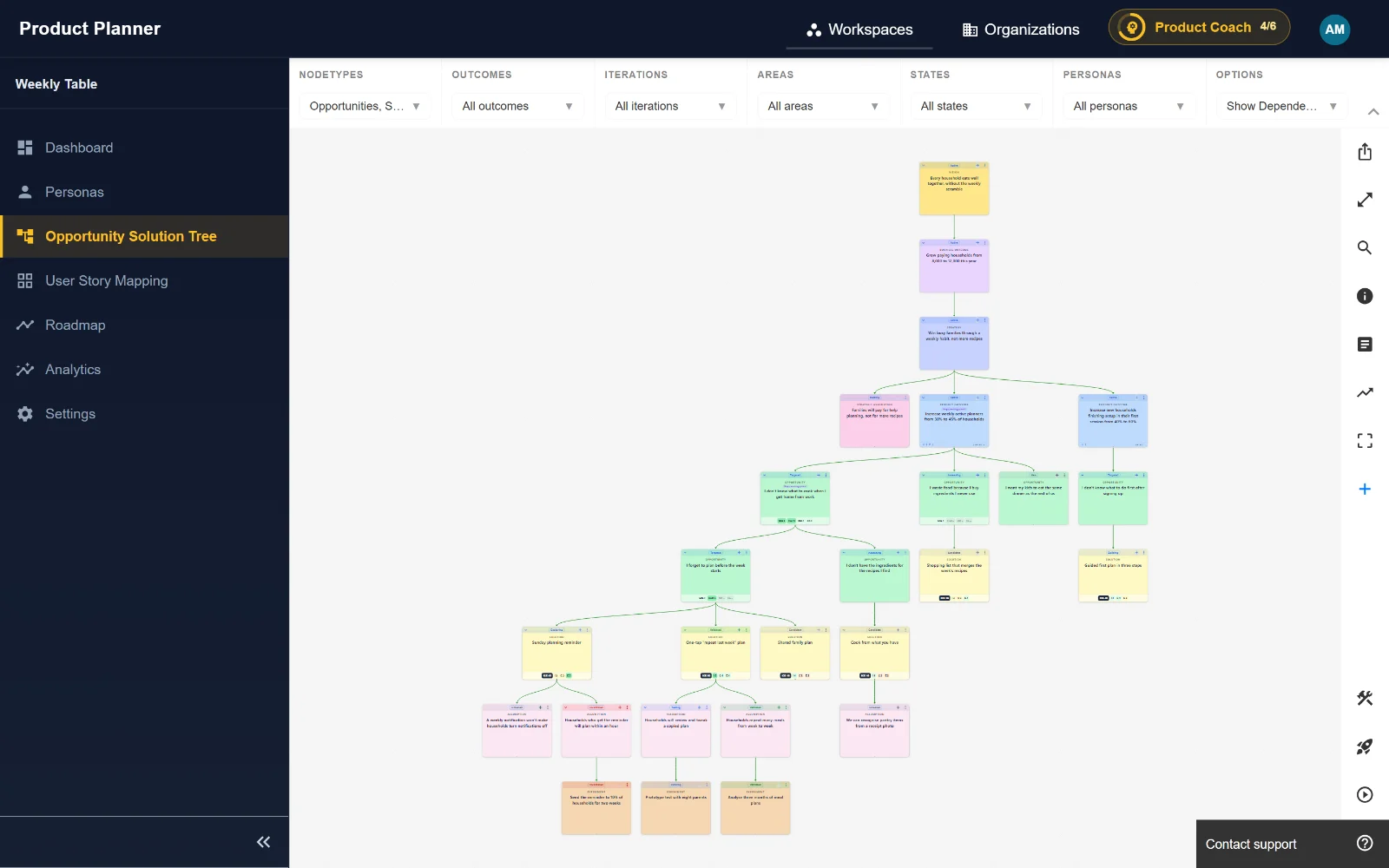
What it looks like
Guides
- Opportunity Solution Tree: step-by-step guide with examples
- Assumption testing: find and test your riskiest assumptions
- How to write product outcomes (with examples)
Questions
Can I keep using Miro for workshops?
Yes. Many teams sketch together on a whiteboard, then keep the tree in Product Planner, where the metrics, assumptions and experiments live.
Is there a free Opportunity Solution Tree template?
The four levels above are the template. In Product Planner the tree is built in, and the Free plan covers up to 3 team members.
Do I need Azure DevOps?
No. Product Planner works on its own. If your engineers use Azure DevOps, the native integration syncs stories and tasks with their work items.
Try it with your own discovery work: Product Planner is free for 90 days, no credit card.
Get started